Inside Passage

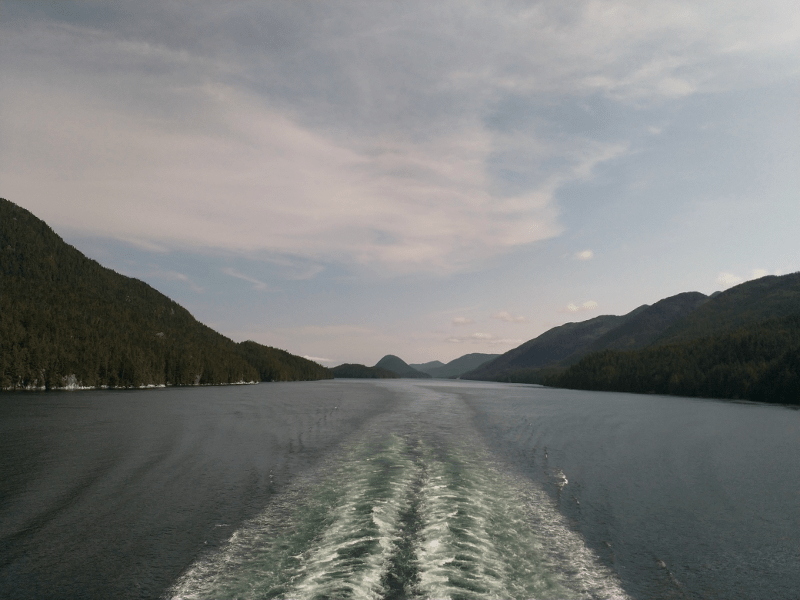
Die Fähre von Port Hardy nach Prince Ruppert verläuft über die sogenannte Inside Passage, einer teilweise recht schmalen Wasserstraße zwischen bis zu 1500 m hohen Bergen hindurch. Die Fährfahrt dauert ca. 15 Sunden. Es geht um 7:30 Uhr in Port Hardy los. Es regnet und ist sehr neblig. Schlaf gab’s wenig, egal.

Schnipp

Das wetter ist besser. Die Sonne lacht. Tolle landschaft wir sind alle müde. die sehenswürdigkeiten sind ein paar Leuchttürme ein paar häuser rechts und links wale und delfine direkt neben der fähre wie schmecken eigentlich bären?

schnipp

wir sind jetzt 21 h wach noch 2 h dann noch 4km bis zim hotel shr mide.,nsnc ddddddddddddd

Nach Port Hardy

Also 2 Tage ohne Internet. Jetzt holen wir die letzten Tage nach.

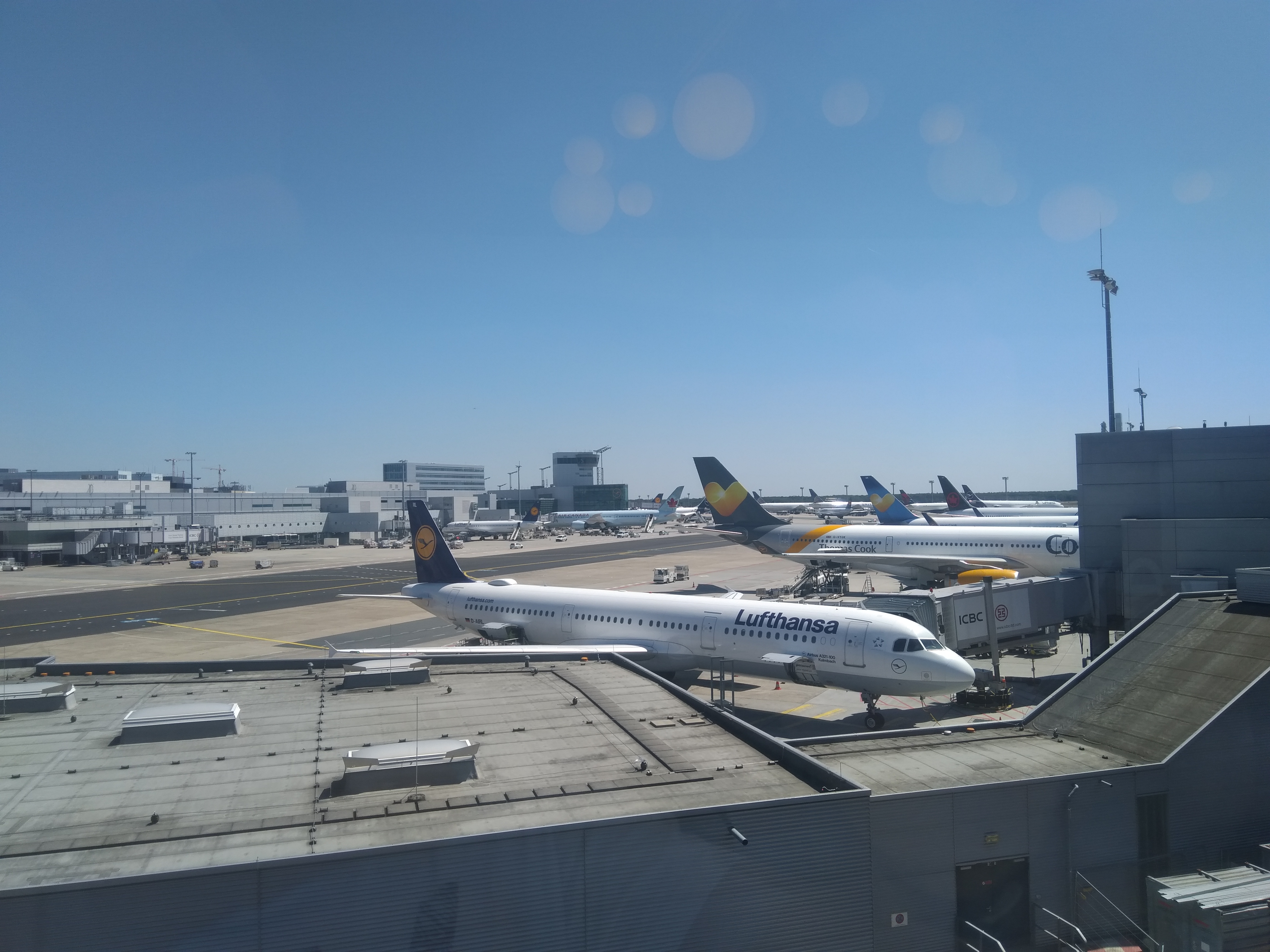
Aufbruch in Vancouver am frühen Morgen. Die Fähren sind alle schon gebucht. Wir müssen pünktlich sein. Wenig Schlaf, aber das macht nichts.

Die fast 400 km nach Port Hardy gehen durch fast unbewohntes Waldgebiet. In Woss haben wir Pause gemacht und uns mit ein paar Einheimischen unterhalten.

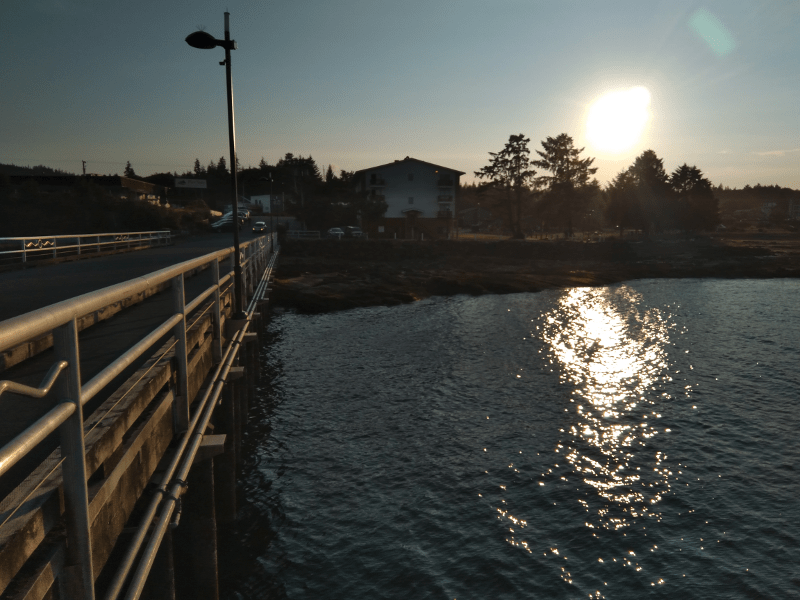
In Port Hardy liegt die Aqua Tromoy im Hafen, ein Schiff speziell für den Fischschutz und -zucht gebaut. Morgen geht’s um 4:45 raus.

Bootstour auf dem Indian Arm

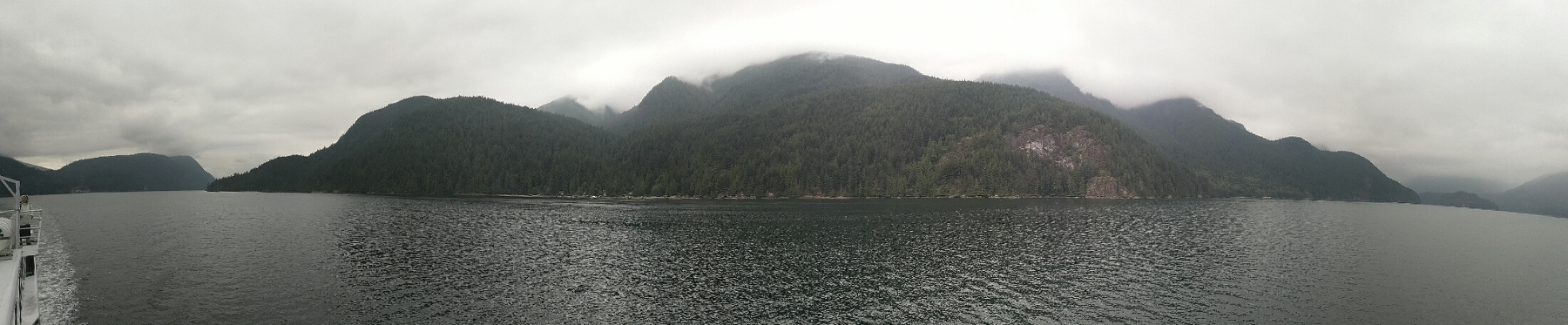
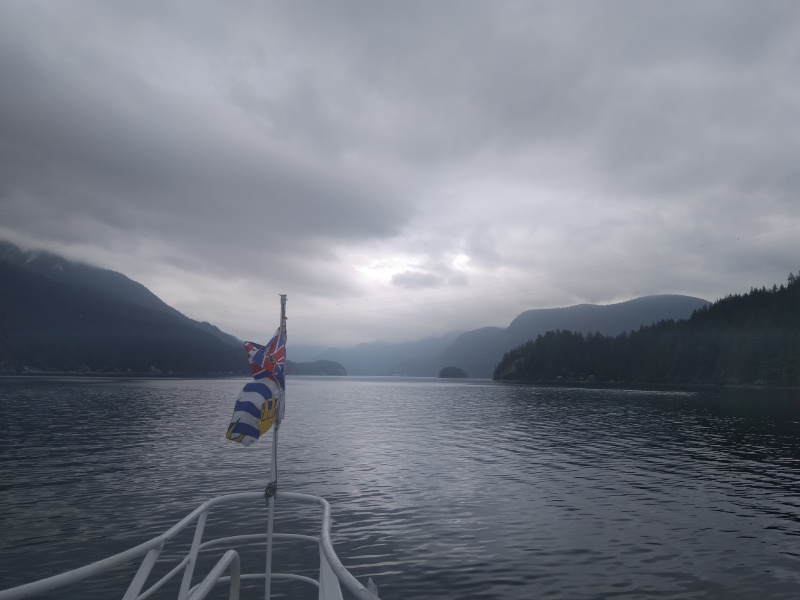
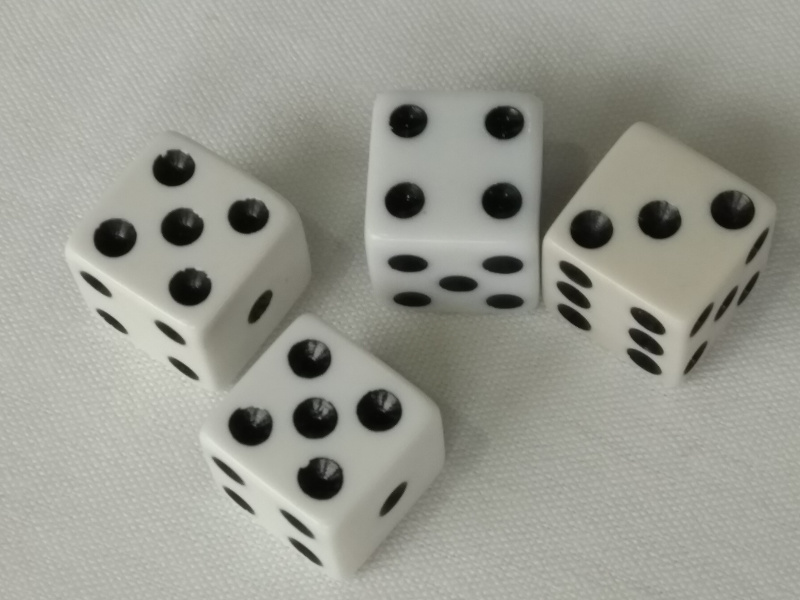
Heute waren wir auf einer 4 Stunden Bootstour auf dem Indian Arm, einer Art Fjord, der in Vancouver beginnt. Vorbei am Wasserflughafen, Downtown, den Kreuzfahrtschiffen, dem Countainerhafen, unter der Second Narrows Bridge hindurch, ging es hoch bis zu dem Silver Falls Wasserfall. Es gab prima Essen und wir haben Primzahlenwürfeln gespielt. Morgen dann 5 Stunden Autofahrt nach Port Hardy auf Vancouver Island.

Indian Arms Panorama

Surveillance camera

This project implements a Raspberry Pi based surveillance camera with image based motion detection and upload of picture showing a change to an FTP server. The projects uses a listing from the journal Hardware Guide, Raspberry Pi Projekte with some modifications.

camera.py. The main program, to be saved in the home directory.

#!/usr/bin/python

import io
import os
import picamera
import time
import sys
from datetime import datetime
from PIL import Image
from ftplib import FTP

camera = picamera.PiCamera()

difference = 20
pixels = 100

width = 1280
height = 960

swidth = 100
sheight = 75

imgcounter = 0
imgmax = 400

def compare():
camera.resolution = (swidth, sheight)
stream = io.BytesIO()
camera.capture(stream, format = ‚bmp‘)
stream.seek(0)
im = Image.open(stream)
buffer = im.load()
stream.close()
return im, buffer

def newimage(width, height, counter):
time = datetime.now()
#filename = „img-%04d%02d%02d-%02d%02d%02d.jpg“ % (time.year, time.month, time.day, time.hour, time.minute, time.second)
timestr = „%04d%02d%02d-%02d%02d%02d“ % (time.year, time.month, time.day, time.hour, time.minute, time.second)
filename = „img-%04d.jpg“ % (counter)
tmpfn = „/tmp/img.jpg“
camera.resolution = (width, height)
camera.capture(tmpfn)
print „Captured %s at %s“ % (tmpfn, timestr)
try:
ftp = FTP(‚ftp.site.com‘, ‚user‘, ‚password‘)
try:
ftp.cwd(‚img‘)
ftp.cwd(‚camera‘)
ftp.storbinary(‚STOR ‚ + filename, open(tmpfn))
#ftp.retrlines(‚LIST‘)
ftp.close()
print „Uploaded %s“ % filename
except:
print „FTP upload error(2):“, filename
ftp.close()
pass
except:
print „FTP upload error(1):“, filename
pass

image1, buffer1 = compare()

timestamp = time.time()

while (True):
image2, buffer2 = compare()

changedpixels = 0
for x in xrange(0, swidth):
for y in xrange(0, sheight):
pixdiff = abs(buffer1[x, y][1] – buffer2[x, y][1])
if pixdiff > difference:
changedpixels += 1

if changedpixels > pixels:
timestamp = time.time()
newimage(width, height, imgcounter)
imgcounter = (imgcounter + 1) % imgmax

image1 = image2
buffer1 = buffer2
time.sleep(1)

run.sh:

#!/bin/sh
./camera.py
/usr/bin/sudo /sbin/reboot

Changes in fstab. We don’t want that the Pi is writes to the SD card again and again. We use a memory mapped /tmp file system instead.

sudo nano /etc/fstab
tmpfs /tmp tmpfs nodev,nosuid,relatime,size=50M 0 0

Changes in crontab to reboot at regular intervals each Monday, Wednesday, Friday. Linux should run stable but better to do some reboots from time to time.

sudo crontab -e
0 16 * * 1,3,5 /sbin/reboot

Changes in inittab to auto-start the camera app:

sudo nano /etc/inittab
Change
1:2345:respawn:/sbin/getty 115200 tty1
to
#1:2345:respawn:/sbin/getty 115200 tty1
Add
1:2345:respawn:/bin/login -f pi tty1 /dev/tty1 2>&1

Changes in .profile to auto-start the camera app and distinguish between interactive and non-interactive shells:

if [ $(tty) == /dev/tty1 ]; then
date > last_login.txt
./run.sh&
fi

Don’t forget to protect the path when downloading to FTP. Create .htaccess file in resp. folder:

AuthType Basic
AuthName „Password Protected Area“
AuthUserFile /complete_path/.htpasswd
Require valid-user

Create .htpasswd in ssh:

htpasswd -c .htpasswd user
Connect with:

IG4Dcopter summary

The project objective was to build a self-stabilizing, flying quadrocopter that can be controlled remotely by a mobile phone, PC or joystick.

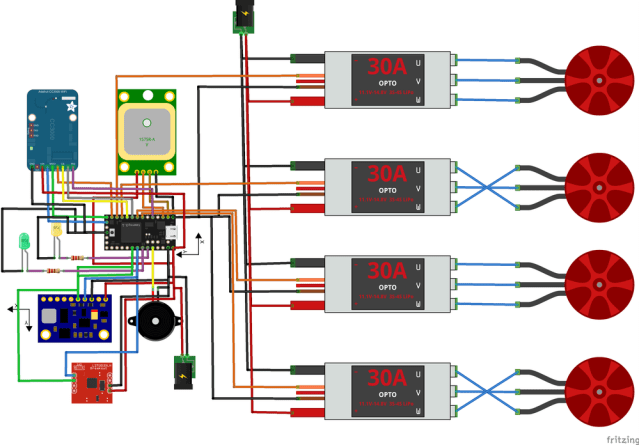
Components and wiring

In addition to the Teensy3.1, CC3000, 10DOF (L3G4200D, ADXL345, HMC5883L, BMP085) we have also a Ublox NEO-6M for GPS, 2 control LEDs and a Piezo beeper for status messaging.

You may ask why we use in addition to the HMC5883L a second electronic compass (LSM303DLH). The reason is that the electronic compass on the main board is extremely sensible to the magnetic environment coming from the WiFi and ESC. I found a better place below the battery but that required to add the additional module. Also, the compass is very sensible to the vibrations from the motor. I used the same approach as with the tilt, to combine the compass measurement with the gyro with quite good results and low standard deviation in the measurement.
Here a few downloads to see the layout in Fritzing:

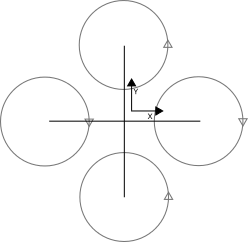
The software supports X-shape and cross-shape arm layouts. For the sake of simplicity I chose the cross style.

Some more information:

  • Kalman, PID, ESC parameters:
HPR data : 0.000 -3.397 -1.313
PID data : 0.214 0.279 0.280
Heading PID data : 0.210 0.721 1.094
Kalman data : 0.195 0.021 18.156
MinMax data : 54.709 48.697 52.305 171.844
heading MinMax data : 3.439 7.623 5.579 8.417
Gyro calibration data : -14.680 -36.850 20.320
ESC data : 1050 900 2400
Low pass data : 0.227

Performance improvements

ops per seconds improved and Gyro/Accelerometer calculation changed. ESC delay measured. Seems to be around 70msec.

Delay between PWM input (red) and rotation time measurement (green), less than 100msec minus 30msec for 1 rotation = less than 70msec.
The final copter main loop runs at around 130Hz – what turned out to be fast enough. However there seems to be some optimization potential, e.g. by using a multi-threaded microkernel stack to avoid blocking response times in the different protocol requests to the sensors or to use optimized floating point calculations, e.g. by fixed-fraction integer arithmetic.

New design with Teensy 3.1

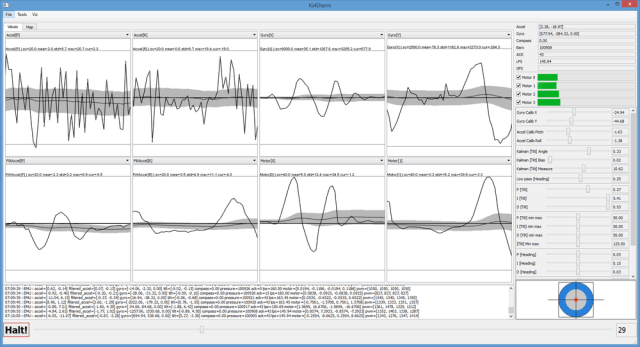
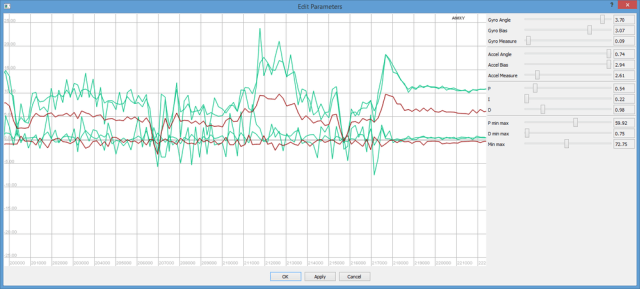
Intel Galileo turned out to be very unstable in the PWM control, complete redesign with Teensy 3.1 and Adfruit CC3000 for WiFi control, works fine so far. A new Qt based GUI has been implemented to allow fine tuning of filters and PID parameters.

GUI in WiFi connection with copter
Copter
Teensy 3.1, 10DOF and Adafruit CC3000
GUI, Qt based, runs on Windows and Linux
Parameter fine-tuning